

Generate Your API Key
To start using the Hypedexer API, create an API key from your console.Follow the steps below to generate one:
1. Sign up or log in
Go to app.hypedexer.com and sign up for a new account, or log in if you already have one.Once logged in, you’ll be redirected to your personal dashboard.
2. Navigate to the “API Keys” section
In the sidebar, open the API Keys section. This page lists all your existing keys (if any) and allows you to manage them.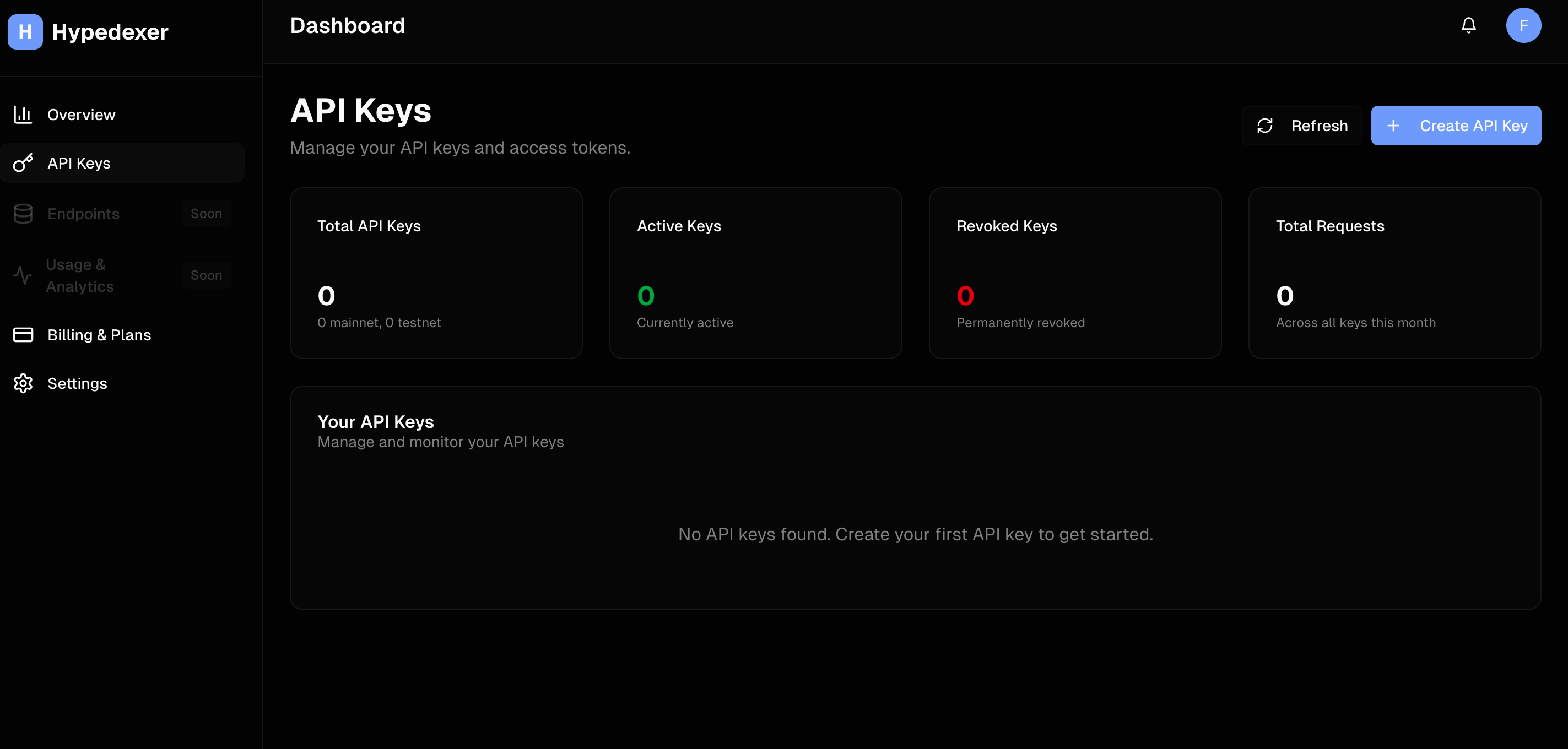
3. Create a new API key
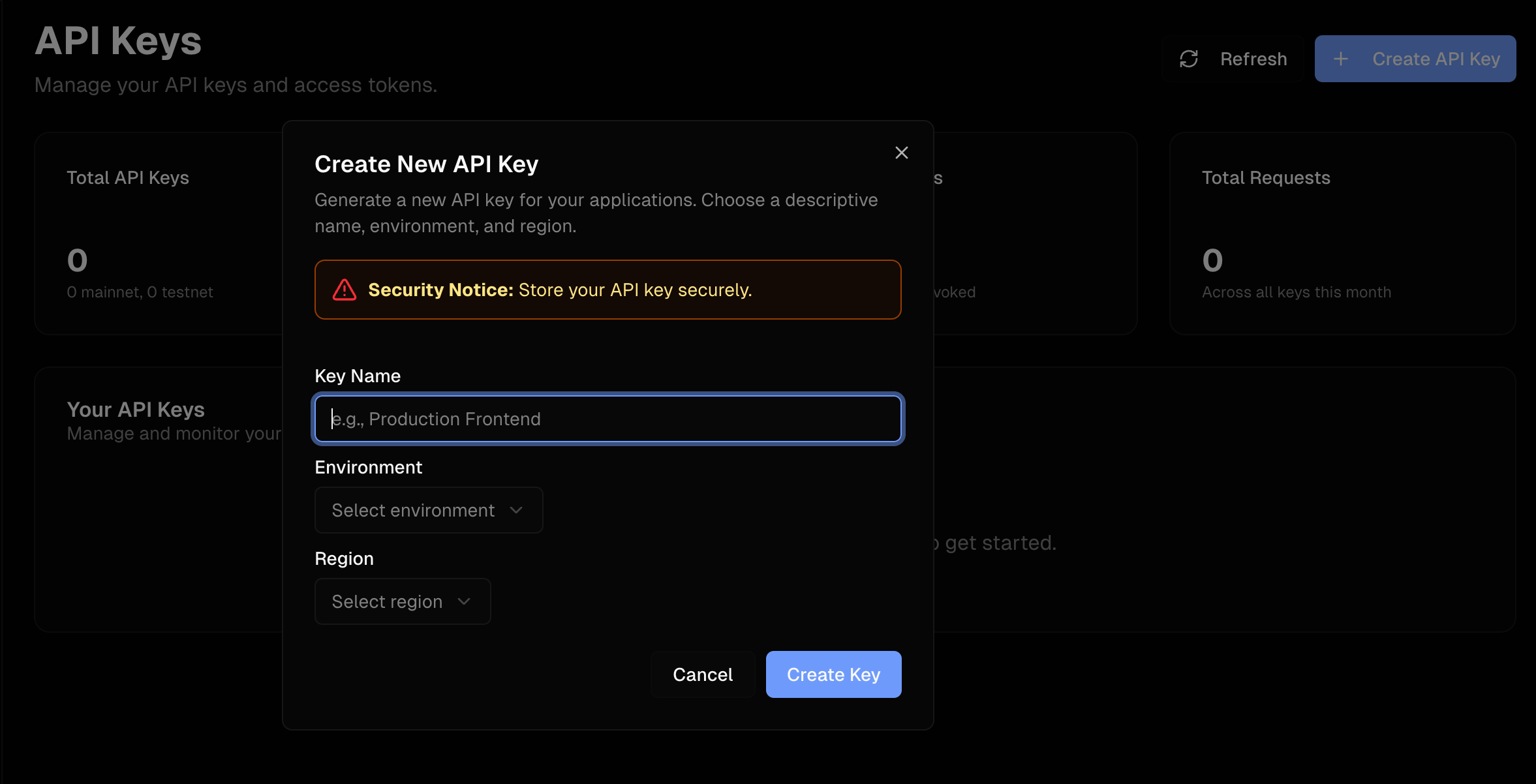
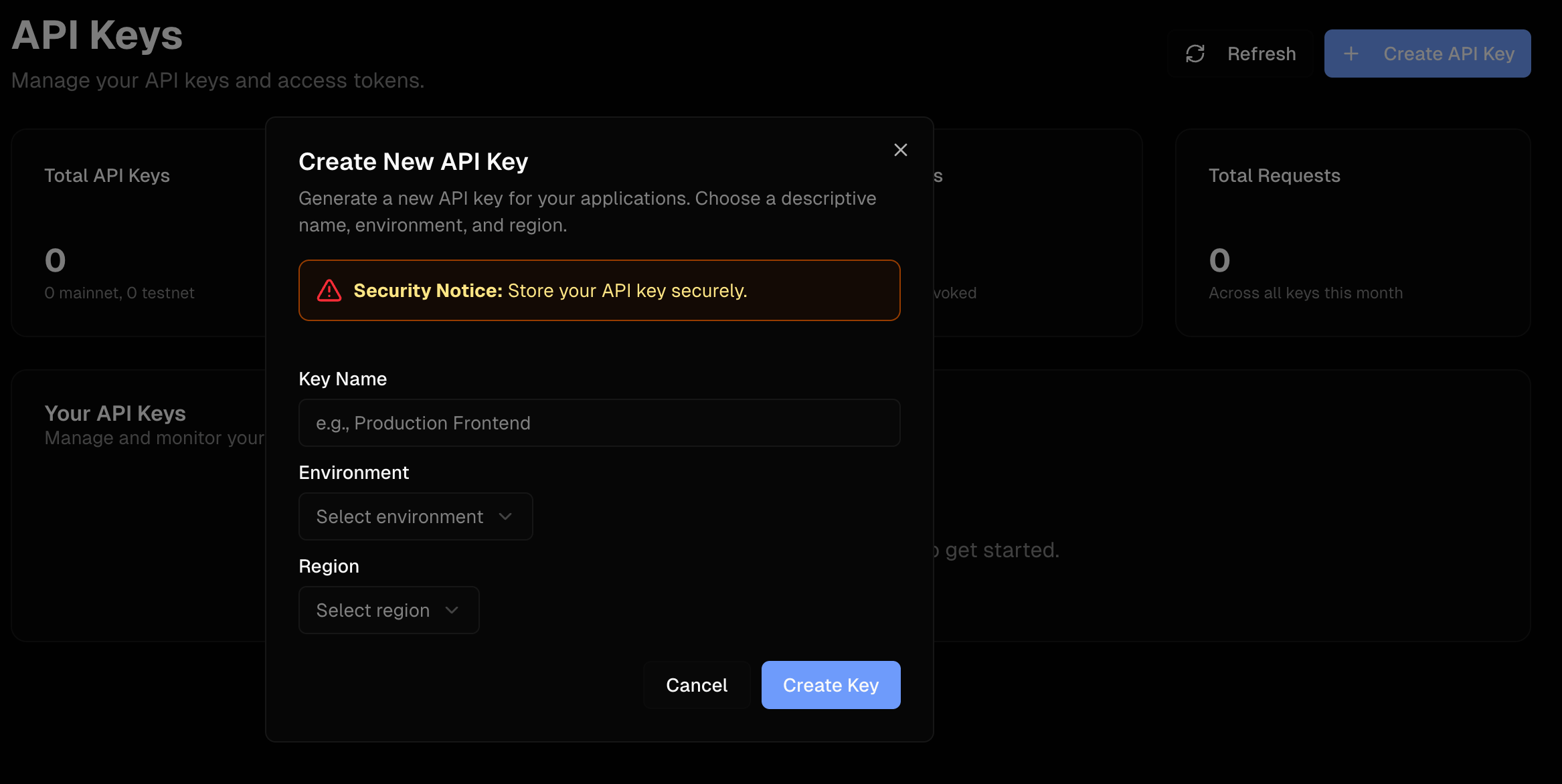
Click the Create API Key button.A form will appear asking you to:
- Enter a name for your API key (for example:
mainnet-indexer). - Select an environment: currently, only Mainnet is available.
- Choose a region: you can pick between Japan and Europe.
💡 Your API key works seamlessly across both regions, regardless of which one you select during creation.
4. Manage your API keys
Once created, your new key will appear in the list.From here, you can:
- Renew your key if you want to generate a new token.
- Revoke your key to disable access immediately.

Notes
- Keep your API key secret and never share it publicly.
- Revoking a key immediately stops all requests using that key.
- You can create multiple keys for different environments or services.
Try it
200 with "success": true means the key works. Continue with the Quickstart.